

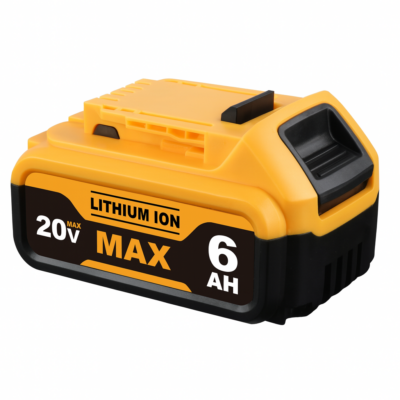
DeWalt type slide batteries are widely used across professional and DIY power tools. Whether you are using a drill, impact driver, circular saw, or other cordless equipment, reliable battery performance is essential for productivity.
Most modern DeWalt tools use the 18V / 20V MAX XR lithium-ion battery platform. These slide-style batteries provide high energy density, fast charging and excellent runtime. However, like all lithium batteries, they can develop problems over time.
This guide explains how to diagnose common DeWalt style battery issues, maintain battery health, and determine when a replacement battery may be required.
Understanding DeWalt 18V and 20V XR Batteries
Many users are confused by the difference between 18V and 20V MAX batteries. In reality they refer to the same lithium-ion platform.
- 20V MAX refers to the battery voltage immediately after charging.
- 18V refers to the normal operating voltage of the battery.
This means most DeWalt XR tools designed for the slide battery system are compatible across the same platform.
Common battery models include:
- DCB180 – 3Ah
- DCB182 – 4Ah
- DCB184 – 5Ah
- DCB205 – 5Ah high capacity
- DCB206 – 6Ah extended runtime
- FlexVolt batteries for higher power tools
Quick DeWalt Battery Troubleshooting Guide
| Problem | Likely Cause | Quick Check |
|---|---|---|
| Battery will not charge | Temperature protection or poor contact | Allow battery to cool and clean terminals |
| Charger flashing red | Battery overheating or cell fault | Remove battery and retry later |
| Battery dies quickly | Aging cells | Test runtime under normal load |
| Battery shows full but tool won’t run | Dirty contacts or internal protection | Clean battery and tool contacts |
| Battery overheats during use | Heavy load or damaged cells | Allow battery to cool |
| Battery completely dead | Deep discharge protection triggered | Try a different charger |
Common DeWalt Battery Problems Explained
1. Battery Will Not Charge
If your battery refuses to charge, the most common cause is temperature protection. Lithium-ion batteries include internal sensors that pause charging when the pack becomes too hot or too cold.
Allow the battery to cool to room temperature before trying again.
2. Charger Flashing Red or Red/Yellow
A flashing indicator usually means the charger has detected a temporary condition such as overheating. In some cases it can also indicate a battery pack fault.
Remove the battery and allow it to cool before retrying.
3. Battery Charges But Dies Quickly
This normally indicates cell wear. Over time lithium cells gradually lose capacity, reducing runtime under load.
High-power tools such as circular saws and angle grinders accelerate this process.
4. Battery Shows Full But Tool Will Not Run
This often occurs due to dirty contacts between the battery and tool. Dust or oxidation can interrupt the electrical connection.
Cleaning the terminals with a dry cloth or contact cleaner often restores normal operation.
5. Battery Overheats During Use
Excess heat usually indicates heavy load or failing internal cells. Lithium battery protection circuits automatically shut down the battery if temperatures rise too high.
Allow the battery to cool before reuse.
6. Battery Completely Dead
If a battery shows no lights or response, deep discharge protection may have activated. This happens when voltage falls below safe levels.
In some cases the battery may recover after charging, but permanent cell damage can also occur.
Basic Battery Testing
A simple multimeter test can help identify basic battery issues.
- Measure voltage across the positive and negative terminals.
- A healthy 18V battery typically reads between 18V and 20V when charged.
- Low voltage may indicate internal cell failure.
Advanced testing such as load testing or discharge curve measurement can reveal more detailed battery health information.
DeWalt XR Battery Compatibility
The DeWalt slide battery platform is widely compatible across many cordless tools including:
- Drills and combi drills
- Impact drivers
- Circular saws
- Reciprocating saws
- Angle grinders
- Work lights and accessories
This cross-compatibility makes it easy to expand a tool collection while using the same battery platform.
Battery Care Tips
Proper battery care can significantly extend battery lifespan.
- Avoid deep discharging batteries.
- Store batteries in a cool, dry environment.
- Keep contacts clean.
- Avoid leaving batteries in hot vehicles or direct sunlight.
- Recharge batteries before they become completely empty.
Following these simple steps can help maintain consistent runtime and performance.
When To Replace A DeWalt Battery
All lithium-ion batteries eventually reach the end of their useful life.
Signs a battery may need replacement include:
- Very short runtime
- Frequent charger errors
- Battery overheating during normal use
- Battery no longer accepting charge
At this stage, replacing the battery pack is usually the most practical solution.
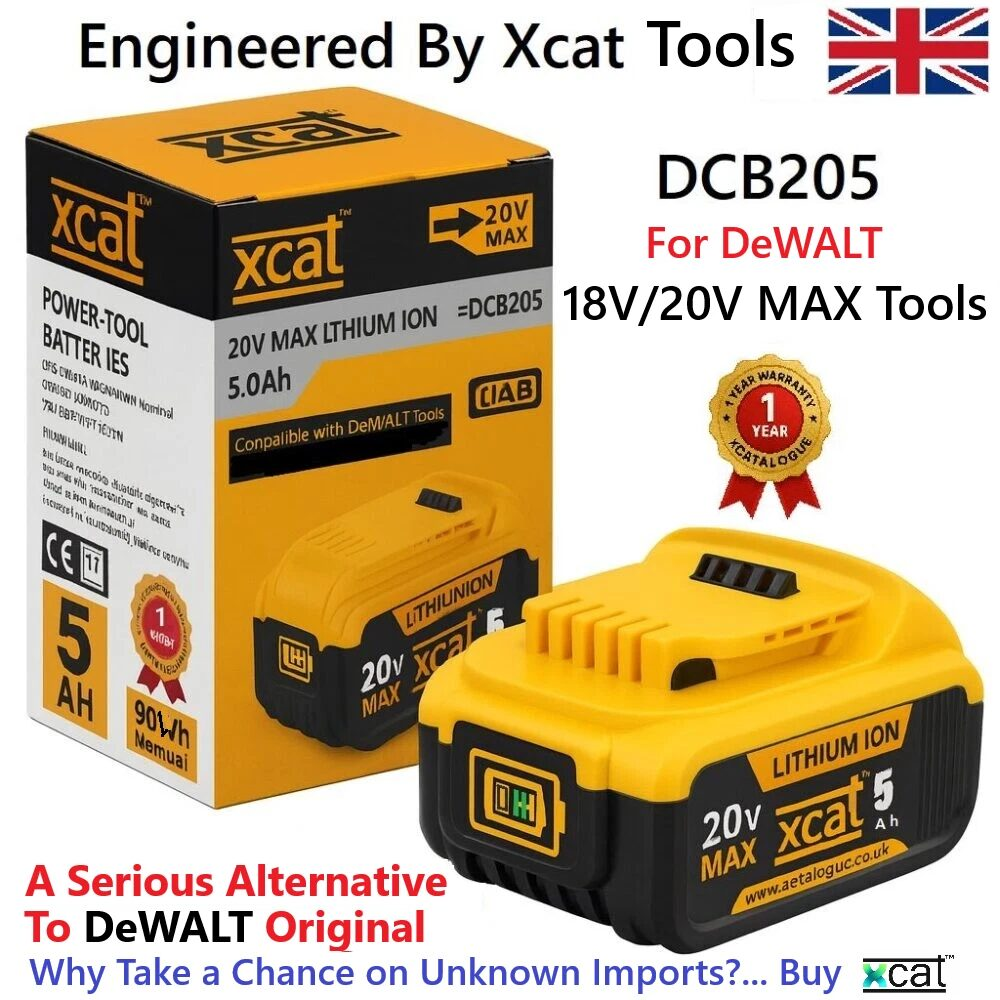
If you are looking for a compatible replacement battery for DeWalt XR tools, you can explore our range of replacement batteries here:
View compatible DeWalt replacement batteries
Frequently Asked Questions
Why does my DeWalt battery flash red on the charger?
This normally indicates the battery is charging or temporarily paused due to temperature protection.
How long should a DeWalt 5Ah battery last?
A healthy 5Ah battery should provide several years of normal use depending on the workload and charging habits.
Can a completely dead DeWalt battery be revived?
Sometimes deep discharge protection temporarily disables a battery, but permanently damaged cells usually require battery replacement.
Understanding how DeWalt batteries operate can help you diagnose problems quickly and keep your tools running reliably.
Regular care, proper charging habits and timely replacement can ensure consistent performance across your entire cordless tool system.